DCIM
Your phone takes perfect pictures. DCIM takes the ones you keep.
Nineteen retro cameras for iPhone, from 90s film to Y2K digicams. Each has its own body, its own buttons and its own color.
Try a camera Six of nineteen on the dial
Turn the dial. Press the shutter.
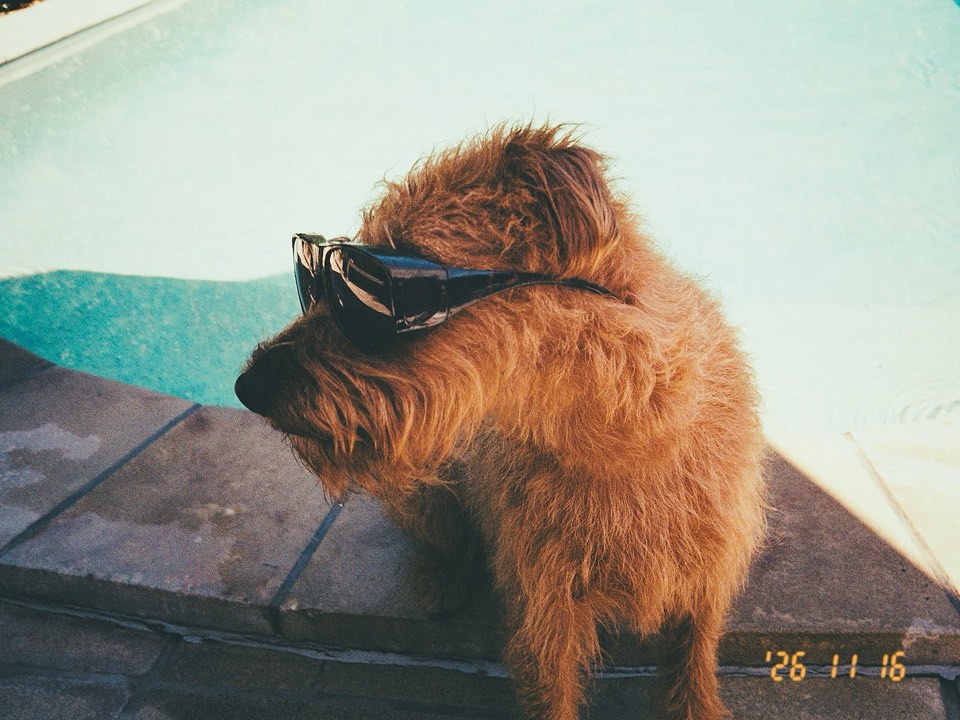
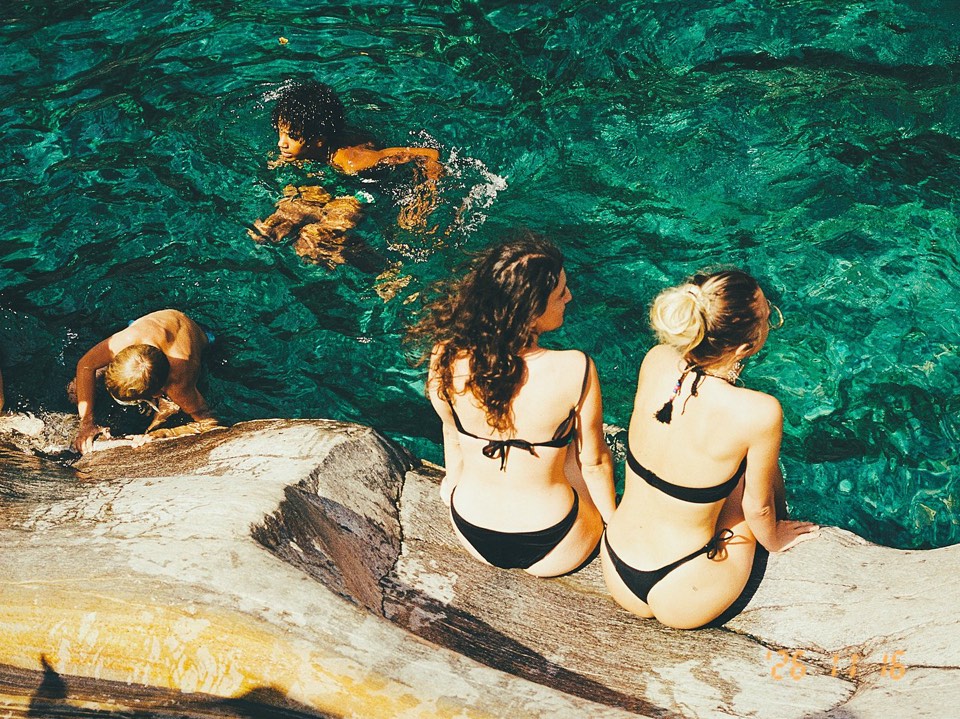
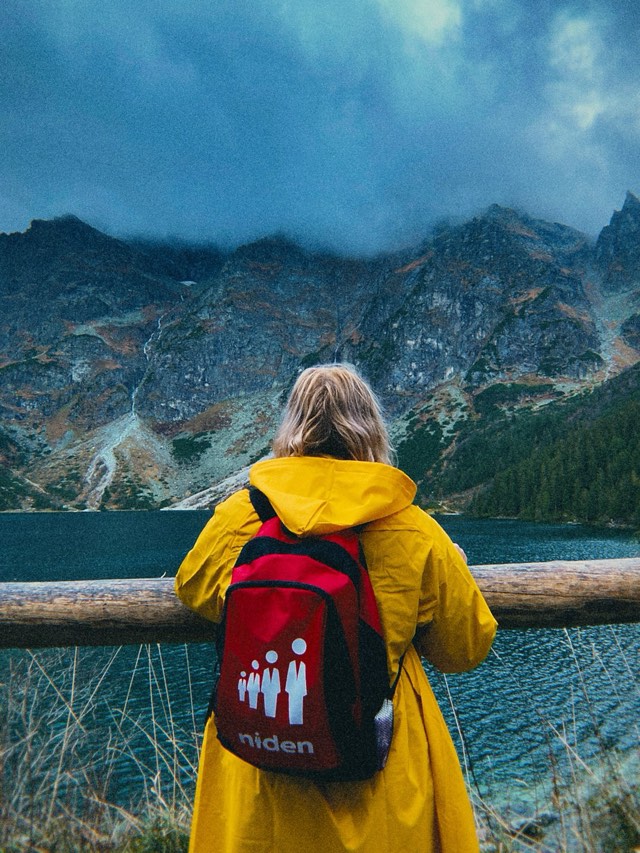
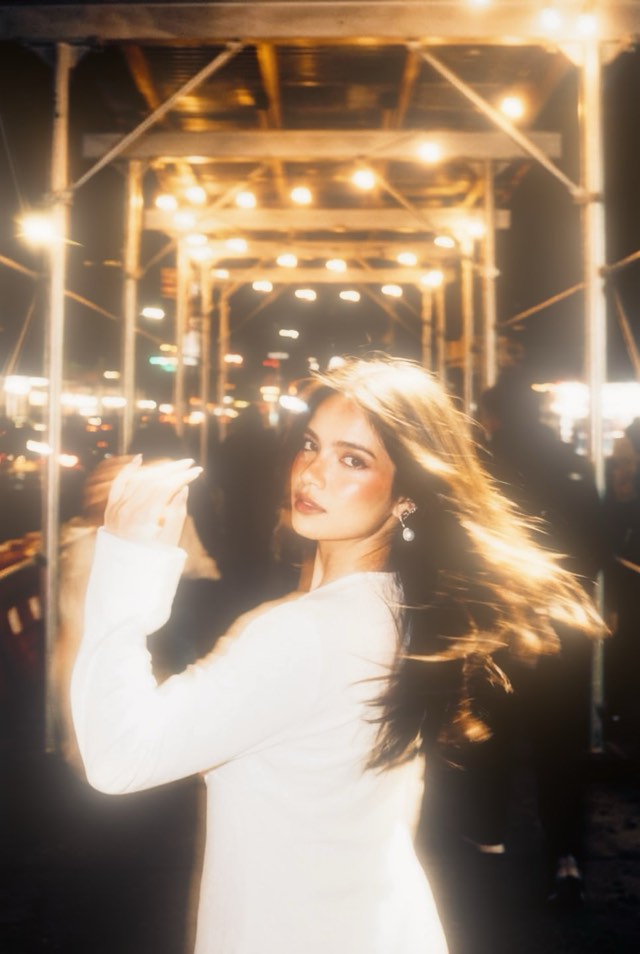
Every camera in DCIM is a different object: a digicam with a CCD glow, a disposable that makes you wait, a flip phone, a selfie camera with a flip-up screen. Try six of them here. Each one shows real pictures it took: press the shutter and the screen moves on to the next one.
DISP hides the screen info · Mode steps through the cameras
5.0 MP
The cameras 19 bodies · real pictures from each
 5.0 MPOpen camera →
S-500
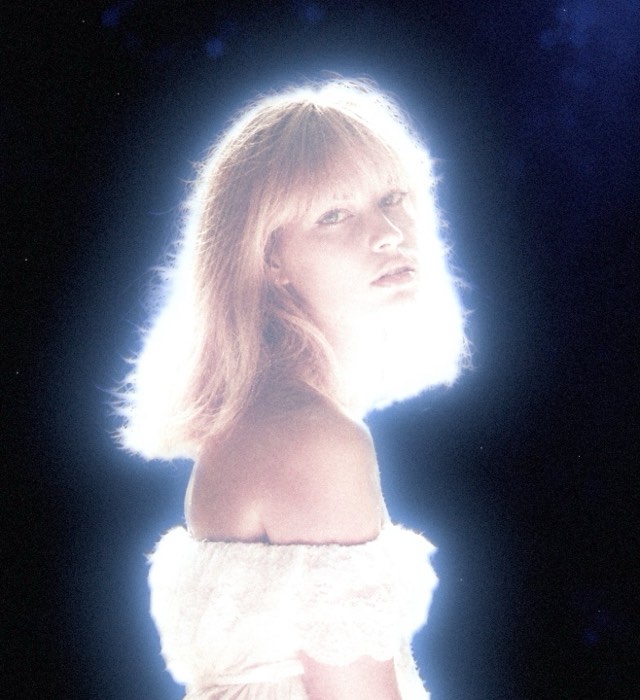
 Warm, faded, filmic
 12 MPOpen camera →
AURA
 Aura flash · glow at night
 FILMOpen camera →
SNAP
 27 exposures · ISO 400 · flash
 8.0 MPOpen camera →
BLOOM
 Dream glow
 3.2 MPOpen camera →
FLIP
 Camera phone · lo-fi pocket snaps
 12 MPOpen camera →
MATRIX
 Neon green · a green cast on everything
 12 MPOpen camera →
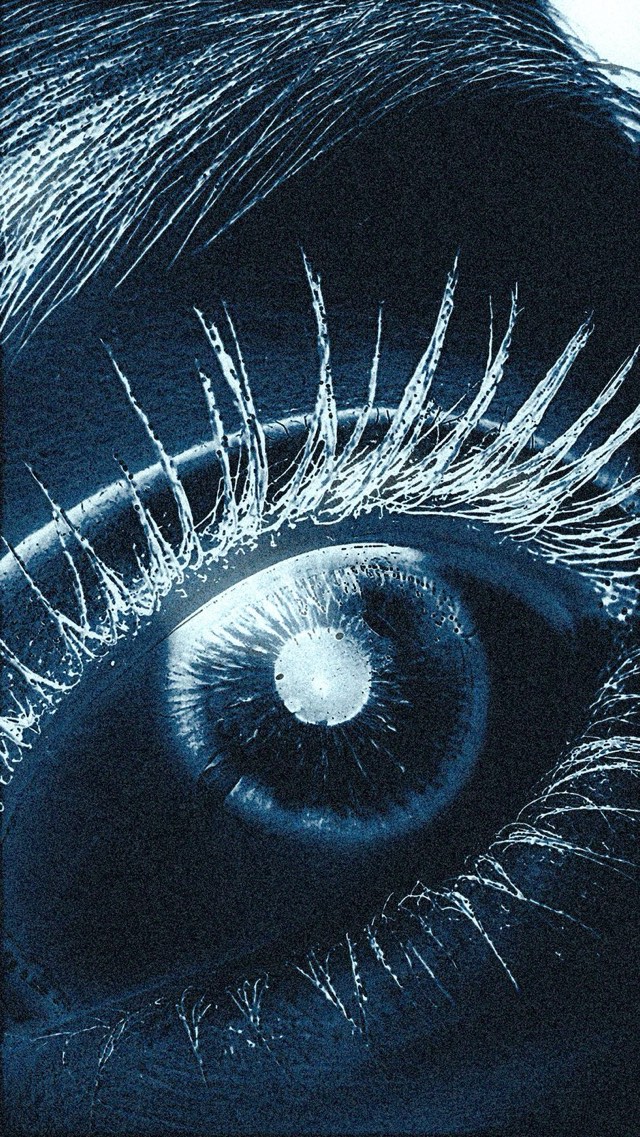
RAY
 Negative film · shot in negative
 12 MPOpen camera →
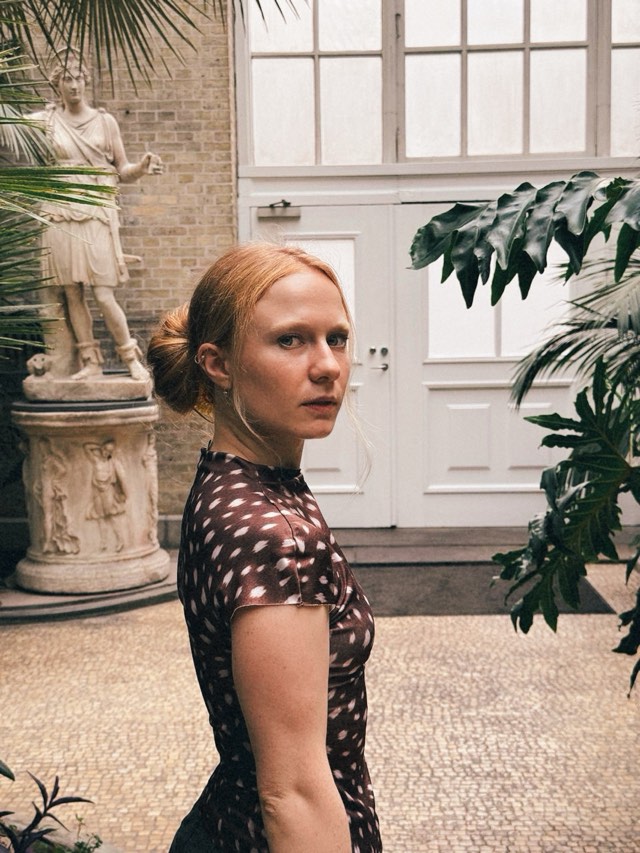
CHROME
 Film recipe, warm and teal
 12 MPOpen camera →
COBALT
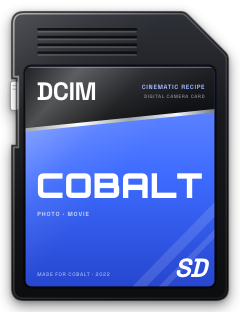 Cinematic recipe · cobalt skies
 12 MPOpen camera →
AQUA
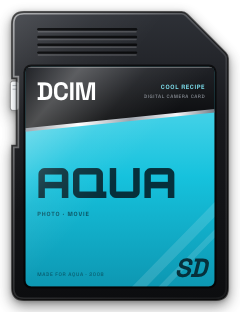 Cool aqua film
 24POpen camera →
REEL
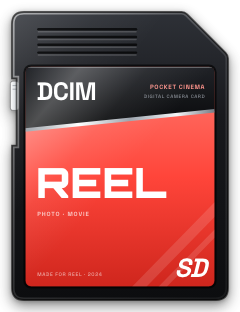 Pocket cinema · soft cinema look
 12 MPOpen camera →
GLAM
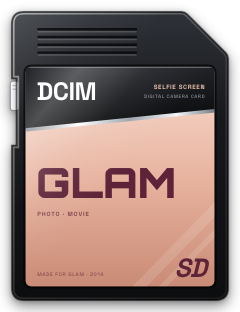 Flip-up selfie screen · 5× zoom
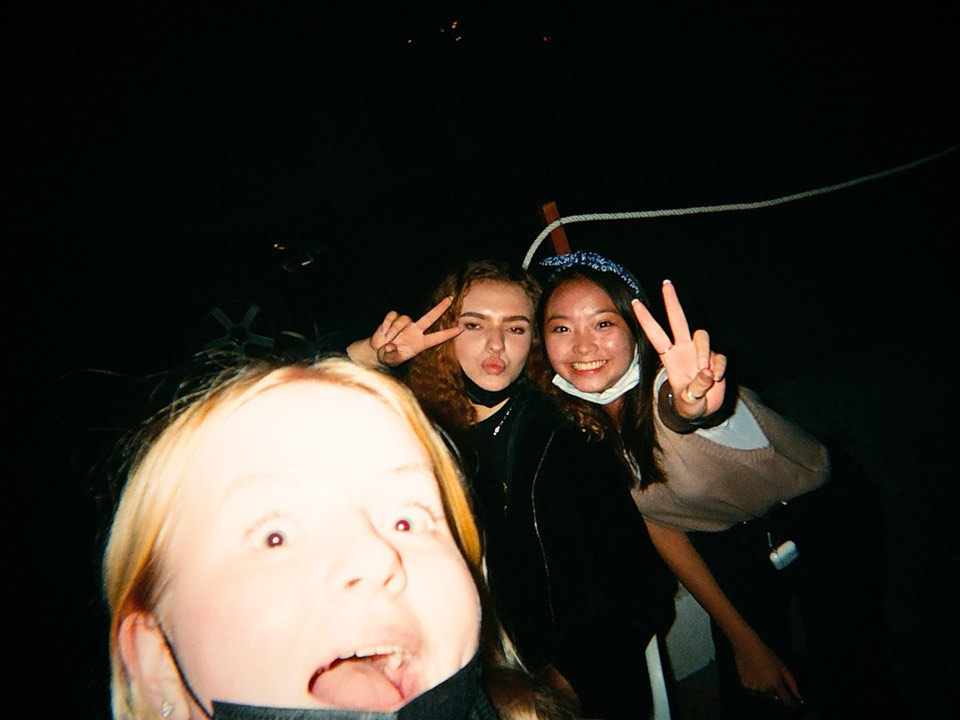 6.0 MPOpen camera →
Z-9
 After dark · night-time specialist
 10.0 MPOpen camera →
COVER
 Studio flash · magazine flash
 12 MPOpen camera →
KINO
 Black & white cinema · six films
+4more in the app: POP, P-2, WIGGLE and FISH19 cameras · Get DCIM
DCIMY2K CCD & Film Camera · iPhone
How it shoots Straight out of camera · no edits
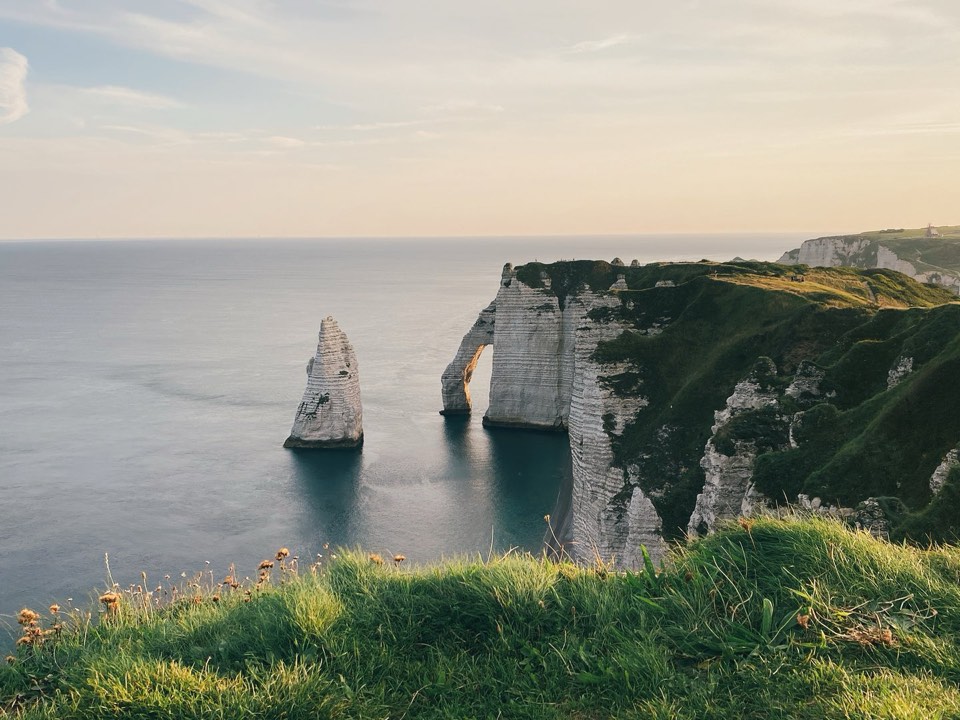
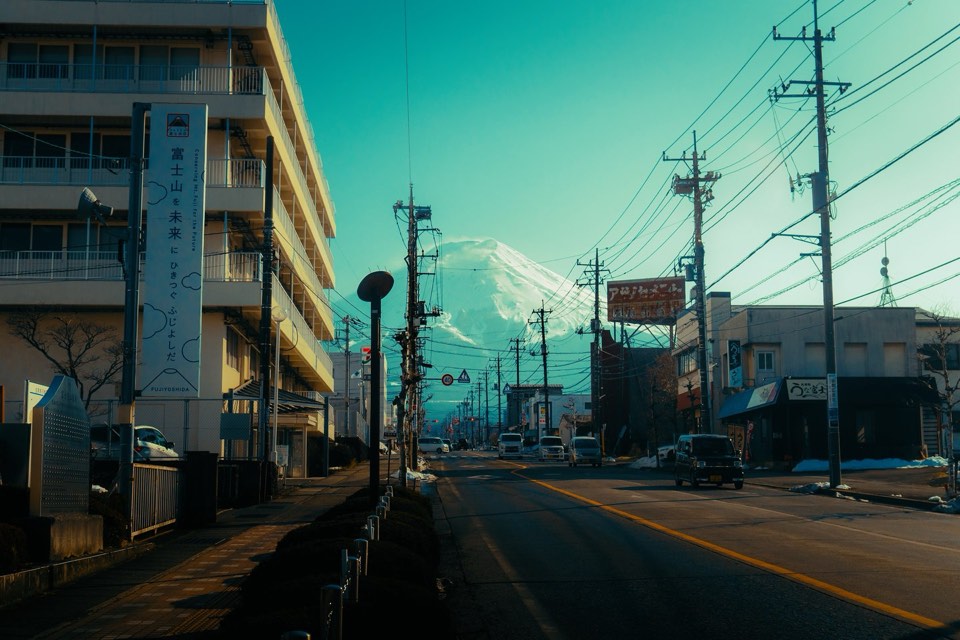

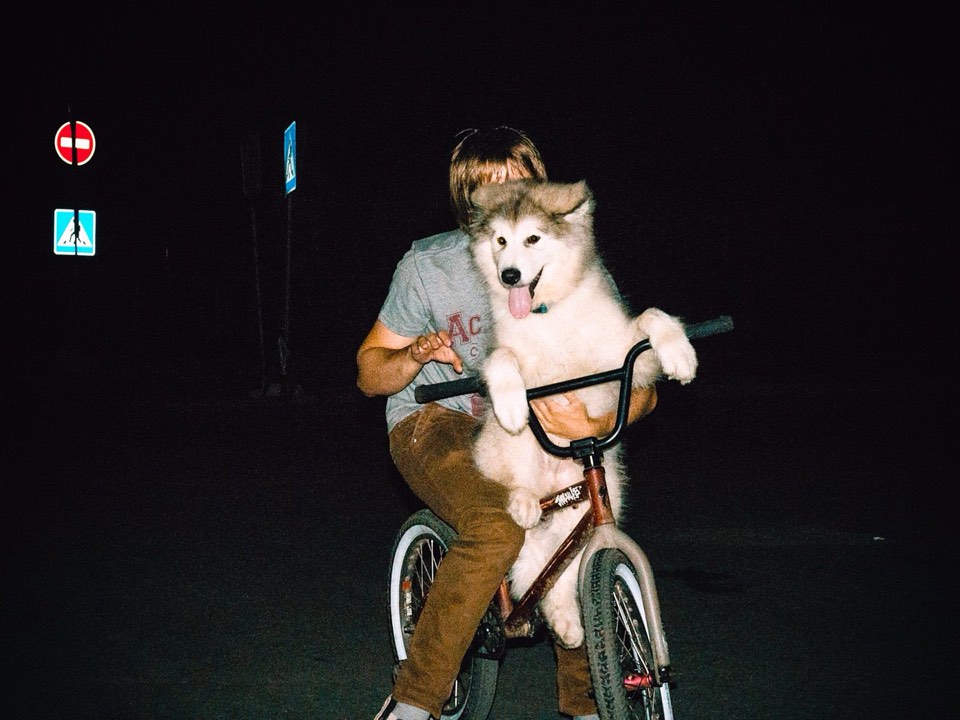
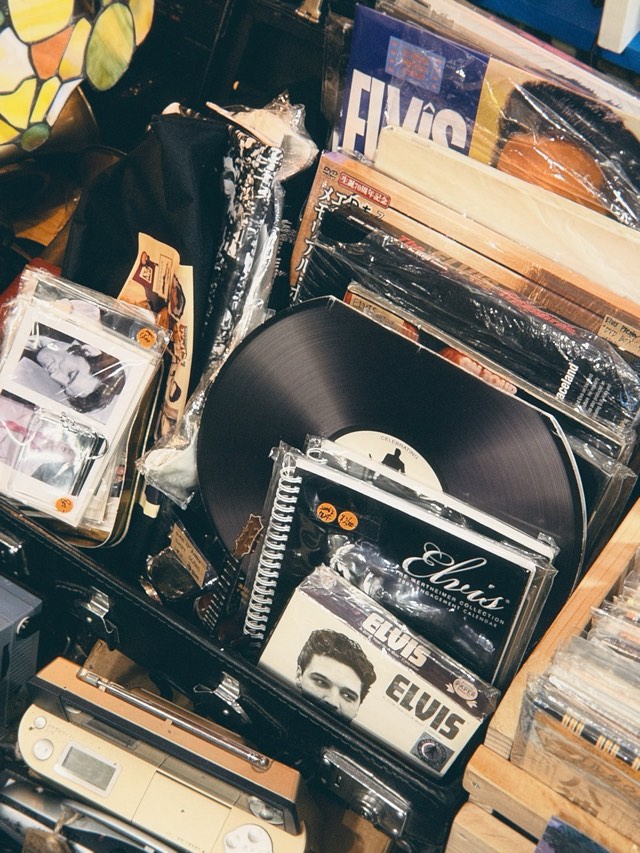

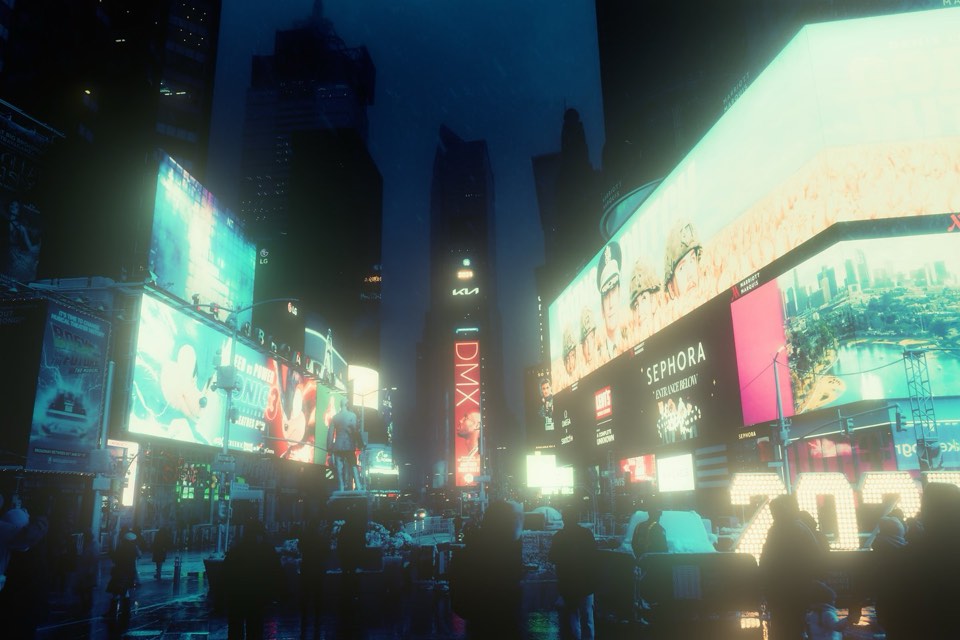
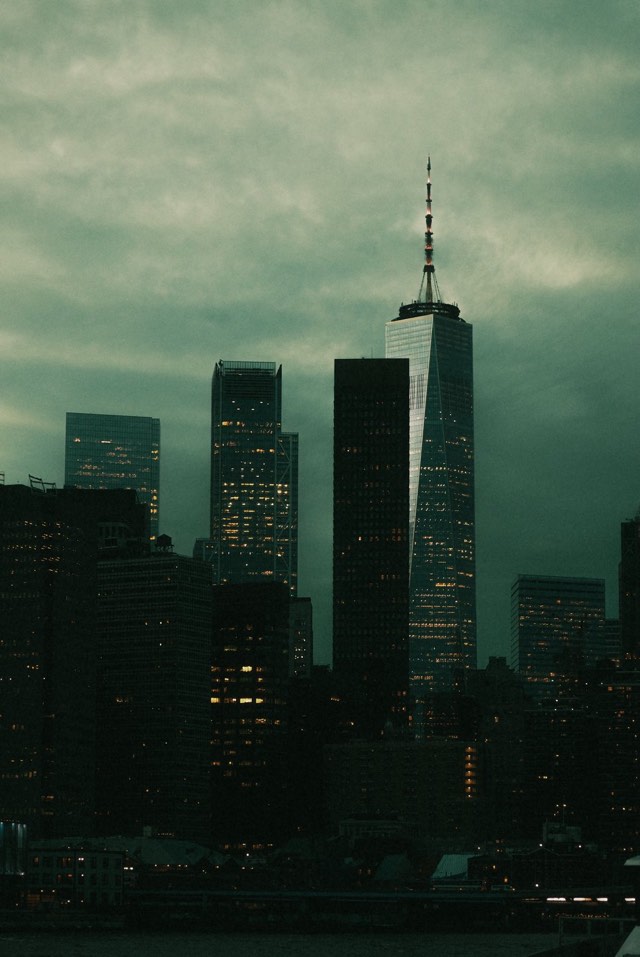

Every picture on this page came out of a DCIM camera. Point, shoot, and get the CCD glow, the flash, the date stamp and the grain straight from the camera. No filters to stack afterwards. Already have a photo you love? Import it and develop it again.
Free tools Run in your browser · nothing is uploaded
- Remove location from a photo Strip the GPS position before you share. JPGs stay untouched, and the new file is checked. New
- Instagram grid Cut one photo into 3, 6 or 9 tiles, numbered in the order to post them. New
- Compress a photo Make a photo smaller: aim for 1 MB or 200 KB, or set the quality yourself. New
- Photo booth strip Three or four photos in one booth strip, with a caption and the date. New
- Photo info viewer What camera took this photo? Camera, lens, settings, date and location. Live
- HEIC to JPG Turn iPhone photos into JPGs that open anywhere. Live
- Resize for Instagram Fit any photo to 4:5 posts or 9:16 Stories, with a clean border. Live
- Instant frame Put your photo in a blank instant-print frame, ready to post. Live
Guides Written for people who shoot
- Friendsgiving Photo Ideas: A Shot List With the Retro Flash LookFriendsgiving and Thanksgiving photo ideas for one night: the table from above, flash portraits, a timer group shot, kitchen chaos, leftovers and a photo strip.New
- Why Are Digital Cameras Popular Again?Why Gen Z brought back the 2000s digital camera: TikTok, the hard flash, less processed photos, life off the phone, used prices, and if one is worth buying.New
- How to Make iPhone Photos Look Like FilmWhat makes film look like film (grain, color, highlights, halation) and how to get closer on iPhone for free with Styles, exposure and Photos edits.New
- How to Get the Disposable Camera Look on iPhoneWhat makes the disposable camera look: a fixed-focus plastic lens, ISO 400 film, a small flash and 27 shots you can't see. How to get closer on iPhone for free.New
- Date Stamp on iPhone Photos: How to See, Change and Add OneiPhone photos don't show a date stamp, but the date is saved in the file. How to see or change it in Photos and add a visible orange date stamp for free.New
- Photographic Styles on iPhone 17: How They Work and Which to UseHow Photographic Styles work on iPhone 17, 17 Pro and Pro Max: the style names, control pad, default style, editing after the shot, and picks for a retro look.New
- iPhone Flash Photography: How to Use It, Get the Party Look and Fix ItHow to turn the iPhone flash On, Auto or Off, why it looks softer than a digicam flash, how to get the party flash look, and Apple's fixes when it won't fire.New
- Digicam vs iPhone: An Honest ComparisonA 2005 Canon digicam vs iPhone 17 and 17 Pro: sensor, lens, flash, processing, low light and video, and why the worse camera often takes the photo people want.New
- How to Take Black and White Photos on iPhoneEvery way to shoot black and white on iPhone: B&W Photographic Styles, the Mono, Silvertone and Noir filters, Portrait mono lighting, and tips for better shots.New
- HEIC vs JPG on iPhone: Which Is Better, and When to SwitchHEIC vs JPG on iPhone: what HEIC is, how much space it saves, where JPG still matters, how to switch or convert, and what you lose when you convert.New
- How to Remove Location From a Photo on iPhoneRemove location from a photo on iPhone: delete it in Photos for one photo or a batch, turn it off when you share on iOS 26, stop the Camera saving it.New
- How to get the digicam look on iPhoneWhat actually made 2000s digicam photos look the way they did, and how close an iPhone gets.New
- CCD vs CMOS, in plain wordsWhat a CCD camera is, why they disappeared, and what a CCD filter actually imitates.New
- Best digicam apps for iPhoneTested side by side, with what each one costs.Soon