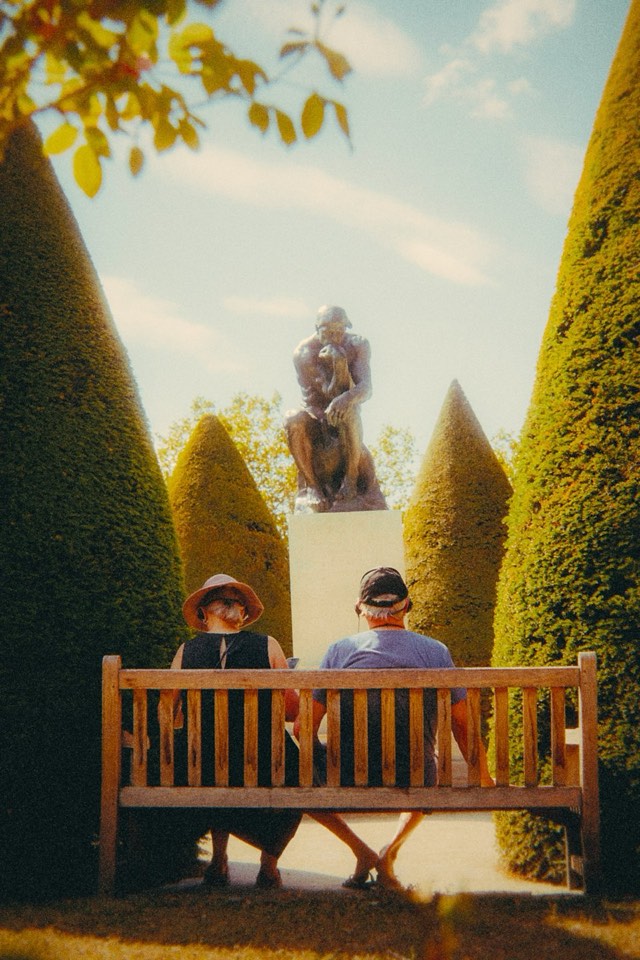
Film looks like film because of four things: grain, color that each film stock renders its own way, lots of detail left in bright areas, and sometimes a glow around lights. You can get part of the way on iPhone for free: pick and tune a Photographic Style, set the exposure before you shoot, and pull down Highlights in the Photos app. On iPhone 18 Pro, iPhone 18 Pro Max and iPhone Duo you can also add a Film texture and grain; on iPhone 18 Pro, PetaPixel found Film even adds a CineStill-like glow. Every shot still shows up instantly.
Key takeaways
- The film look comes from grain, each stock's own color, detail in the highlights and halation, the glow around bright lights.
- Grain shows even in small prints. Kodak rates a 4×6 print from 35 mm Portra 400 at 37 on its Print Grain Index, where 25 is roughly the point grain becomes visible.
- On iPhone 18 Pro, iPhone 18 Pro Max and iPhone Duo, Photographic Styles add a Film texture and a Grain option. PetaPixel found Film adds a CineStill-like glow on iPhone 18 Pro.
- The halation glow comes from film missing its anti-halation layer, like CineStill 800T. On older iPhones, no setting in this guide adds it.
What makes a photo look like film
Ask film shooters, and grain comes up first. "A lot of people immediately think of the grain that you get in film, the sort of imperfections that you get in film," Ben Fraternale of Brooklyn Film Camera told Marketplace. For him, what makes 35 mm special is "the range of light that gets captured on film" (Marketplace).
Grain
Grain is the fine, random texture in a film photo. Kodak measures it with a Print Grain Index: 25 is "the approximate visual threshold for graininess," and higher numbers mean more grain. Kodak calls Portra 400 "the world's finest grain high-speed color negative film," yet a 4×6 print from a 35 mm negative still scores 37, and an 8×10 scores 59 (Kodak). (Got real negatives in a drawer? See how to view film negatives with iPhone.) So even the smoothest fast film shows its texture in a small print.
Color
Film makers design color on purpose. Kodak sells Portra 400 on "spectacular skin tones plus exceptional color saturation." Fujifilm says its Film Simulations, introduced in 2004, drew on "70 years of knowledge" from making film since 1934. It describes CLASSIC CHROME as "soft color and enhanced shadow contrast for a calm look" and NOSTALGIC Neg. as "amber tinted highlights and rich shadow tone for printed photo look" (Fujifilm).
Highlights
Film can hold a lot of detail in bright areas. On Kodak's VISION3 500T movie film, a white card sits 2⅓ stops above normal exposure, and there are "at least 3½ stops above that for capturing specular highlight detail," the shiny, mirror-like reflections in a scene (Kodak).
Halation, the glow around lights
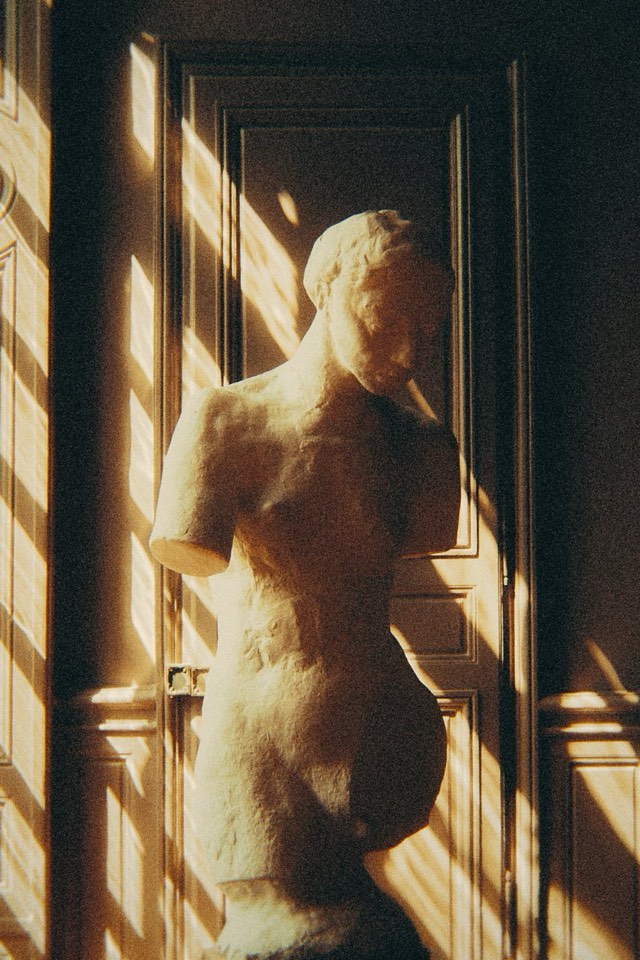
Light can pass through the film, bounce off the camera's pressure plate and come back through, "scattering as it goes." Most films have an anti-halation layer that stops this (PetaPixel). On Kodak's movie film that job fell to remjet, a carbon backing Kodak invented in 1934 partly to control "those bothersome light halos" (American Cinematographer).
CineStill 800T is Kodak VISION3 500T converted for normal photo labs, with that layer gone. The result is "the red halo effect the film picks up when shot into bright lights or strong backlighting." PetaPixel calls it "a feature of the film and not a flaw."
iPhone 18 Pro now imitates it. Testing the Film texture, PetaPixel found it looks for high-contrast areas and applies "a very Cinestill-like level of halation," and that it will "reduce the dynamic range and detail of highlights a bit to mimic the limitations of film" (PetaPixel).
How to make iPhone photos look like film without an app
- Pick a Photographic Style. Open Camera, tap or swipe up from the camera modes, tap Styles, then swipe left or right. On iPhone 16 and 17 models (but not 16e or 17e), iPhone Air, iPhone 18 Pro models and iPhone Duo, tap Customize to drag on the tone and color pad and set the intensity. Older supported models, back to iPhone 13 and iPhone SE (3rd generation), get Tone and Warmth sliders. On iPhone 12 or earlier you'll see Filter instead (Apple).
- Add Film texture and grain, if your iPhone has it. On iPhone 18 Pro, iPhone 18 Pro Max and iPhone Duo (Ultra Wide, Main and Center Stage cameras), tap Texture, choose Film and drag the slider, then tap Grain. If you don't see Texture, your iPhone doesn't support it (Apple). PetaPixel notes Grain has no strength slider, and Styles work only when you shoot HEIF, not JPEG or RAW (PetaPixel).
- Keep the look between sessions. A style applies until you change it or close Camera. To keep it, go to Settings > Camera > Preserve Settings and turn on Photographic Style (Apple).
- Frame and set the exposure. In the Camera menu from step 1, tap Aspect to choose 1:1, 4:3 or 16:9, and tap Exposure to drag the brightness up or down. For a square print with a white frame, see how to get a Polaroid-style look on iPhone. The exposure stays locked until you next open Camera, or always if you turn on Exposure Adjustment under Preserve Settings (Apple).
- Let a night scene stay dark. On supported models, Night mode "automatically brightens photos" in low light. To keep the shadows moody, tap the Night mode button to turn it off (Apple).
- Finish in Photos. Open a photo, open its edit tools, tap Adjust and swipe through settings such as Exposure, Brilliance and Highlights. Lowering Highlights darkens the brightest parts of the picture. To restyle a photo later, Camera needs High Efficiency on (Settings > Camera > Formats). Happy with one edit? Use Copy Edits, then Paste Edits on the rest of the set (Apple).
What the free route can't do
On most iPhones, none of the settings above adds halation, and the Film texture and grain are only on three models. The bigger gap is the experience. Marketplace notes that film's limits, "the inability to immediately see the finished product, the finite amount of photos allowed on a film roll," have become "some of its greatest advantages." Your iPhone shows every shot the moment you take it. If you love the digicam era more than film, our digicam look guide covers flash and date stamps, and the Photographic Styles guide goes deeper on each style.
| Film trait | On film | Free iPhone route |
|---|---|---|
| Grain | Visible even in a 4×6 print from 35 mm | Grain, only on iPhone 18 Pro, 18 Pro Max and iPhone Duo |
| Color | Designed into each stock | Photographic Styles: tone, color and intensity |
| Highlights | At least 3½ stops above a white card on VISION3 500T | Highlights slider in Photos |
| Halation | Light bouncing back through the film | Film texture on iPhone 18 Pro, per PetaPixel. Nothing on other models |
| The wait | A fixed roll, seen once developed | Every shot shows instantly |
When a film camera app helps
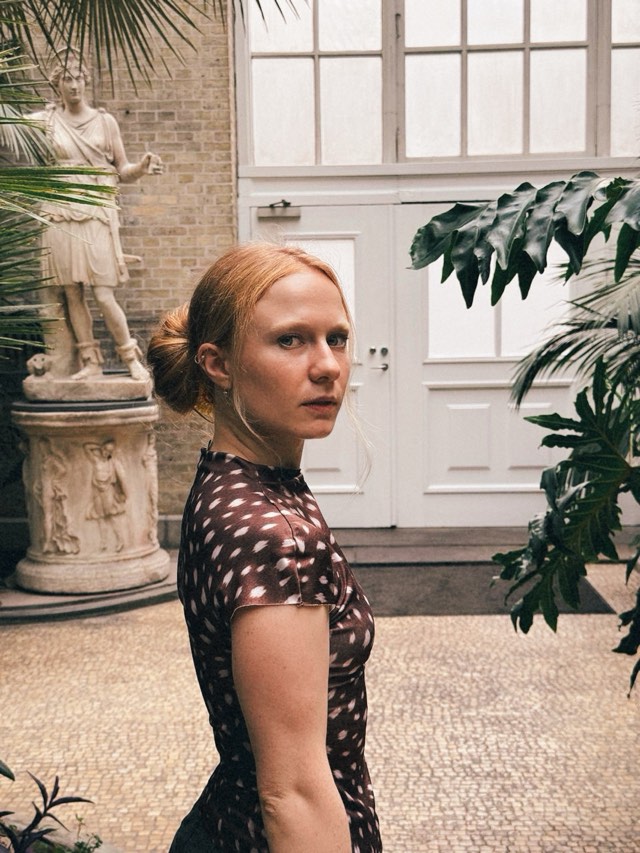
An app built around specific film cameras gets closer, because the look is decided when you shoot. DCIM is an iPhone camera app with 19 retro cameras, from 90s film to Y2K digicams. Color and grain come straight from the camera, so there's nothing to stack afterwards.
- SNAP is a 1998 disposable: 27 exposures, you wind on with the thumb wheel, and you see the pictures only once they're developed.
- CHROME is a 2023 rangefinder-style compact with a fixed 23 mm lens and the developer's own film recipe, warm and teal.
- AQUA has a cool aqua recipe, and COBALT a cinematic one with cobalt skies and inky shadows.
- KINO is a 1958 35 mm camera that sees only in black and white, with six cinema films. Our black and white guide covers it.
Already shot something you like? DCIM can import any photo and develop it again through one of its cameras.
FAQ
How do I make my iPhone photos look like film for free?
Choose and customize a Photographic Style, set the exposure before you shoot, and lower Highlights in the Photos app. On iPhone 18 Pro, iPhone 18 Pro Max and iPhone Duo, add the Film texture and tap Grain.
Can the iPhone camera add film grain?
Yes, on models that support Photographic Styles 3: iPhone 18 Pro, iPhone 18 Pro Max and iPhone Duo. In Styles, tap Texture, then Grain. Apple doesn't list a grain option for other models.
What are the best iPhone camera settings for a film look?
There's no single best setting, because film itself comes in many looks. Start with a Photographic Style you like, keep it with Preserve Settings, set the exposure by hand, and turn off Night mode when you want a dark scene to stay dark.
What is halation in photos?
A glow around bright lights. It happens when light passes through the film, bounces back and scatters. Most films have a layer that stops it. CineStill 800T doesn't, so it shows a red halo around lights. On iPhone 18 Pro, the Film texture imitates it.
Sources
- Janet Nguyen, Marketplace. Why the price of 35 mm film has skyrocketed. November 30, 2022. Accessed November 22, 2026.
- Kodak Alaris. KODAK PROFESSIONAL PORTRA 400 Film, Technical Data E-4050. January 2025. Accessed November 22, 2026.
- Fujifilm. Film Simulation. Accessed November 22, 2026.
- Kodak. KODAK VISION3 500T Color Negative Film 5219/7219. Brochure. Accessed November 22, 2026.
- Zeb Andrews, PetaPixel. A Glowing Endorsement of CineStill's Super Popular 800T Film. September 11, 2026. Accessed November 22, 2026.
- Bill Desowitz, American Cinematographer. Kodak Enhances Vision3. August 22, 2025. Accessed November 22, 2026.
- Jaron Schneider, PetaPixel. Apple iPhone 18 Pro Camera Review: Small Changes, Big Differences. September 16, 2026. Accessed November 22, 2026.
- Apple. Use Photographic Styles with your iPhone camera. iPhone User Guide. Accessed November 22, 2026.
- Apple. Models that support Photographic Styles. iPhone User Guide. Accessed November 22, 2026.
- Apple. Use iPhone camera tools to set up your shot. iPhone User Guide. Accessed November 22, 2026.
- Apple. Take Night mode photos with your iPhone camera. iPhone User Guide. Accessed November 22, 2026.
- Apple. Edit photos and videos on iPhone. iPhone User Guide. Accessed November 22, 2026.